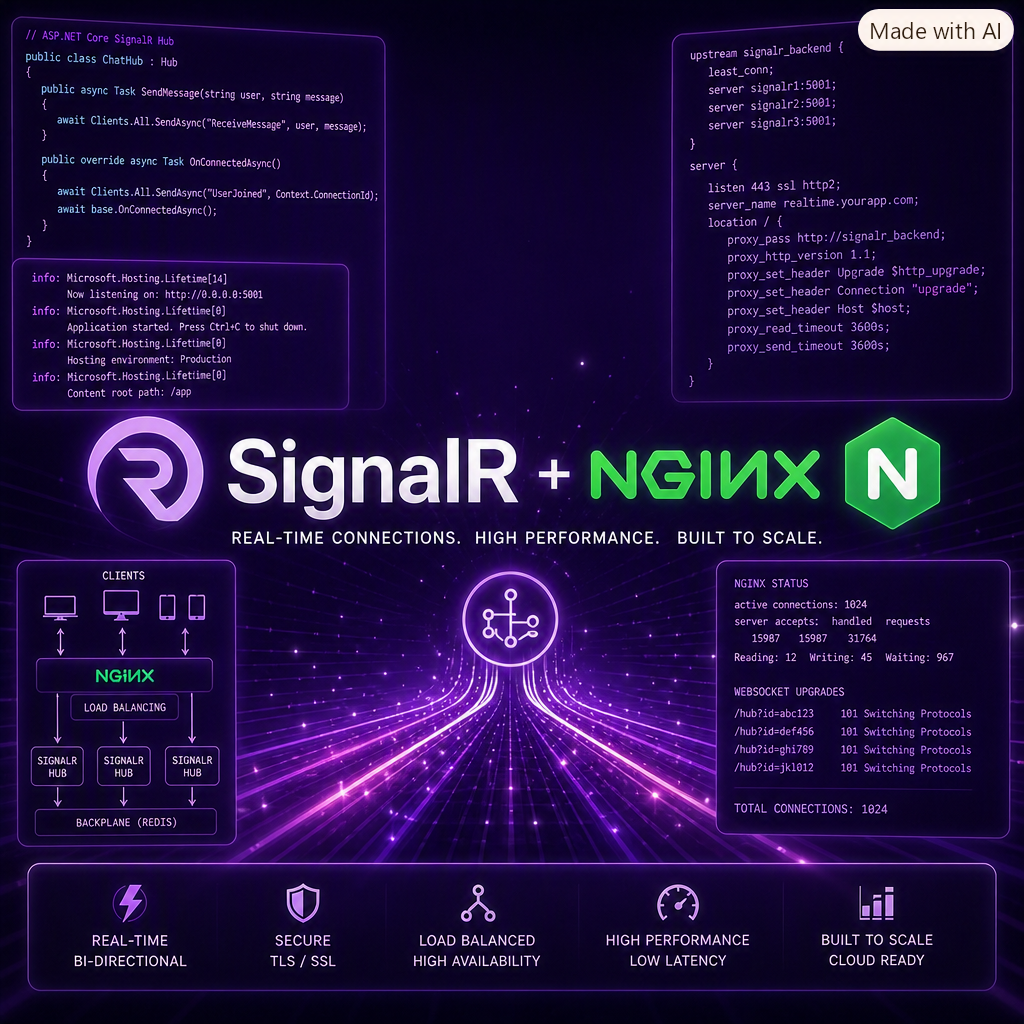
Deploying a real-time chat feature is rarely as simple as "write the hub, start the connection, and ship it." After a full day of chasing ghosts in SignalR, JavaScript event handlers, and an nginx reverse proxy, here is what actually happened — and what finally made it work.
The Goal
Add live chat to an existing .NET 10 blog so that guests can request help and an admin can accept, manage, and respond to those chats from a dashboard. The plan was:
- SignalR hub for real-time messaging.
- A global admin connection living in the shared layout.
- A dedicated admin chat dashboard (
Admin/Chat). - Sound notifications that can be muted without muting toast notifications.
Sounds straightforward. It was not.
What Looked Like an Application Bug Was Actually nginx
Locally, everything worked. The admin could go online, accept chats, send messages, and hear notification sounds. In production — running behind nginx — guests could not connect at all, the admin appeared permanently offline, and the sound toggle did nothing.
The real culprit surfaced: nginx was not forwarding WebSocket upgrade headers. SignalR tries transports in order and ultimately falls back to WebSockets for the best experience. When the reverse proxy silently drops the Upgrade and Connection headers, the handshake fails and the client never establishes a stable connection.
The fix on the nginx side looked like this:
location /hubs/chat {
    proxy_pass http://localhost:5000/hubs/chat;
    proxy_http_version 1.1;
    proxy_set_header Upgrade $http_upgrade;
    proxy_set_header Connection "upgrade";
    proxy_set_header Host $host;
    proxy_set_header X-Forwarded-For $proxy_add_x_forwarded_for;
    proxy_set_header X-Forwarded-Proto $scheme;
}
Once those headers were in place, production chat came alive instantly. The lesson: when SignalR works locally and breaks in production, always suspect the reverse proxy before rewriting the app.
JavaScript Lessons Learned the Hard Way
With the proxy fixed, the remaining issues were self-inflicted wounds from iterating too quickly in Views/Admin/Chat.cshtml.
- Cloning elements to "remove" event listeners is dangerous. It looks like a clean reset, but it also resets state and text, which made the mute button appear to never change.
- Use a
data-listener-attachedflag for static elements and event delegation for dynamic ones replaced via AJAX. - Attaching listeners with
addEventListenerinside a refresh callback creates duplicates. That is how message sending started posting twice. - SignalR
connection.on()stacks handlers. Calling it again does not replace the old one. This caused both duplicate message rendering and doubled notification sounds. - The server was sending the same message to two groups the admin belonged to. Guest messages were broadcast to both
chat-{sessionId}and theadmingroup, so the admin received each one twice. Client-side deduplication bymessageIdfixed the visible double messages.
Final Architecture That Works
_Layout.cshtmlowns the globaladminChatConnectionand handles cross-page notifications and sounds.Views/Admin/Chat.cshtmlonly listens forMessageReceivedto render bubbles into the visible message container and update the badge count.- Dynamic buttons (accept, reject, kick, send) are handled via document-level event delegation so refreshes do not create duplicate listeners.
- Mute and availability toggles are guarded with flag attributes so listeners attach exactly once.
displayMessage()checksdata-message-idbefore appending to prevent server-induced duplicates.
Takeaways
- Local success does not mean production success. Reverse proxies, load balancers, and firewalls can silently break WebSockets.
- Layer your handlers. Global behavior belongs in global layout code; page-specific behavior belongs in the page.
- Guard against duplicate listeners. Whether from page refresh, AJAX replacement, or SignalR handler stacking, duplicates are inevitable unless you design for them.
- Dedupe at the right layer. The server had a legitimate reason to send to two groups; the client is the right place to deduplicate by id.
Real-time features are rewarding once they work, but they punish assumptions about connections, event lifetime, and proxy behavior. Today was a good reminder that the bug is rarely where you first think it is.
Comments (0)
Please sign in to comment.