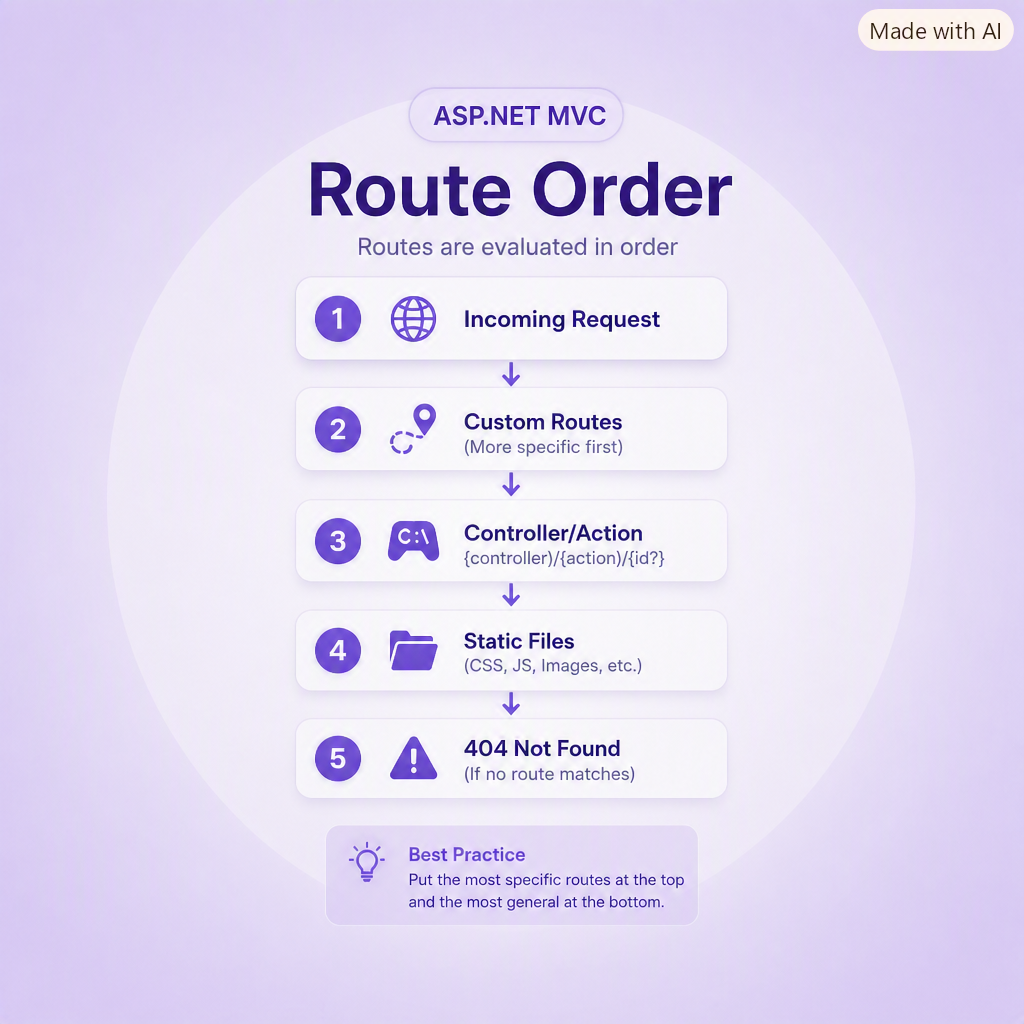
When working with ASP.NET MVC routing, the order in which you register routes inside Global.asax.cs is critical. Routes are evaluated from top to bottom, and the first matching route wins. If a more general route appears before a more specific one, it can intercept the request and prevent the intended controller from being reached.
Example: Blog Routes
To ensure /blog/add is recognized correctly, the route for BlogAdd must appear before the more general /blog/{id} route.
// blog/add
routes.MapRoute(
    "BlogAdd",
    "blog/add",
    new { controller = "BlogAdd", action = "Index", id = UrlParameter.Optional }
);

// blog/{id}
routes.MapRoute(
    "Blog",
    "blog/{id}",
    new { controller = "Blog", action = "Index", id = "" }
);
If the blog/{id} route is placed first, it will match /blog/add and prevent the BlogAdd controller from being reached. Always place the most specific routes first.
Cleaner URLs Without Query Strings
You can eliminate query strings by defining routes with parameters directly in the URL. Below is an example of a route for blog categories.
Global.asax.cs
// blog/categories/{cat}
routes.MapRoute(
    "Categories",
    "blog/categories/{cat}",
    new { controller = "Categories", action = "Index", cat = UrlParameter.Optional }
);
View Link
<%: Html.ActionLink(item.Text, "Index", "Categories", new { cat = item.Text }, null) %>
This produces a clean URL such as:
http://www.scottwalker.me/blog/categories/Routing
Multiple Route Parameters
You can define routes with multiple parameters. Below is an example for an archives feature.
// archives/{year}/{month}
routes.MapRoute(
    "ArchivesSpecific",
    "archives/{year}/{month}",
    new { controller = "Archives", action = "ListBlogs" }
);
View Link
<%: Html.ActionLink(
        monthyear.Value.ToUpper() + " " + monthyear.Text,
        "ListBlogs",
        "Archives",
        new { year = monthyear.Text, month = monthyear.Value },
        null
) %>
This generates a URL like:
http://www.scottwalker.me/archives/2010/December
Controller Example
The controller can access route parameters using RouteData.Values:
public ViewResult ListBlogs()
{
    return View(
        blogsRepository.GetArchives(
            RouteData.Values["year"].ToString(),
            RouteData.Values["month"].ToString()
        )
    );
}
This pattern keeps your URLs clean, readable, and SEO‑friendly while giving you full control over how parameters are passed into your controllers.
Comments (0)
Please sign in to comment.